
A free, self-hosted AI studio with 200+ unfiltered
Open Sourceaivideoimageself-hosted
Free
Video & Animation
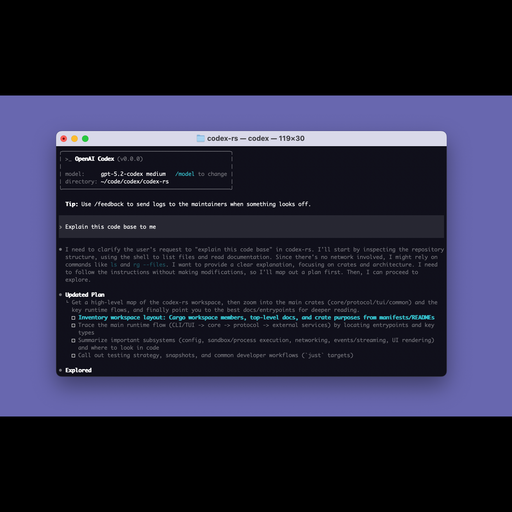
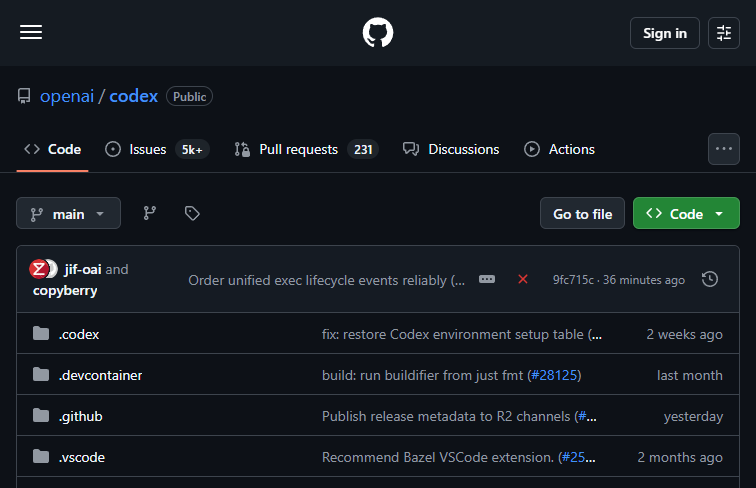
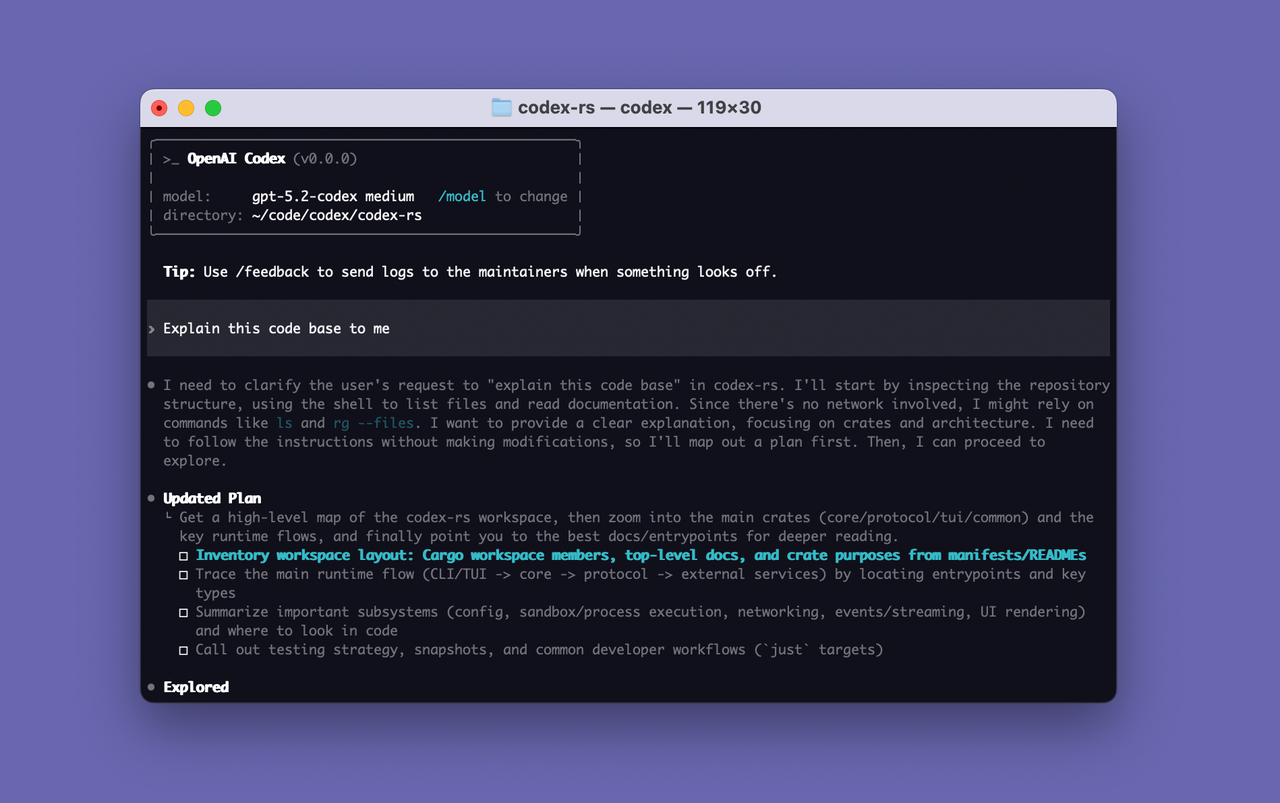
For developers seeking a seamless, integrated AI coding experience, OpenAI's Codex offers a compelling solution that bridges the gap between artificial intelligence and local software development. Hosted on GitHub and boasting an impressive 100,000+ stars, this open-source project has rapidly become a favorite among the programming community. Unlike many web-based AI assistants, Codex is designed to operate directly within your local terminal. Written in Rust, it functions as a lightweight yet highly capable autonomous coding agent that interacts with your codebase right from the command line. This approach makes it an exceptionally fast and efficient tool for developers who prefer to keep their workflows entirely within their development environment.
The primary appeal of Codex lies in its ability to function autonomously within the developer's native ecosystem. Instead of constantly switching context between an integrated development environment (IDE), a web browser, and documentation, users can leverage Codex to interact with their codebases directly via the command line. This makes it particularly valuable for automating repetitive coding tasks that traditionally consume significant time and mental energy. Whether you are refactoring large modules, writing boilerplate code, or navigating unfamiliar repositories, this terminal-based agent acts as a highly responsive pair programmer. Because it is written in Rust, the tool performs remarkably well, ensuring minimal overhead and maximum speed during operation.
Codex is explicitly tailored for software engineers, backend developers, and systems programmers who are already comfortable navigating the command line. It excels in assisting with local software development by understanding the context of the local environment and executing commands as needed. However, this focus on a terminal-first experience comes with a specific barrier to entry. The primary drawback of Codex is that it strictly requires a certain level of technical knowledge to set up and utilize effectively. Users must be familiar with command-line interfaces to install, configure, and prompt the agent properly. It is not a plug-and-play graphical application, which might deter beginners or casual users looking for a simple visual interface.
Despite this learning curve, the benefits of having an open-source, highly popular, and lightning-fast autonomous coding agent at your fingertips are immense. The massive community backing ensures that the tool is continually improving, well-supported, and highly transparent. By running directly in the terminal, Codex provides a frictionless, deeply integrated AI development experience that respects the workflows of experienced developers while significantly boosting overall productivity.
 Screenshot
 image
image
Codex is an open-source tool and is completely free to use.
Summarized from the official site: https://github.com/openai/codex
Codex is an open-source, autonomous coding agent that operates directly within your local terminal. Written in Rust, it functions as a lightweight pair programmer to help developers interact with their codebases right from the command line.
Yes, Codex is an open-source project hosted on GitHub. It is highly popular with over 100,000 stars and is continually improved by a massive community.
No, Codex is not a plug-and-play graphical application and requires technical knowledge to set up. Users must be familiar with command-line interfaces to properly install, configure, and prompt the agent.
Codex is written in Rust. This ensures the tool is lightweight and performs remarkably well with minimal overhead and maximum speed.
You can use Codex to automate repetitive coding tasks, write boilerplate code, and refactor large modules. It acts as a highly responsive pair programmer that understands the context of your local development environment.
A free, self-hosted AI studio with 200+ unfiltered

Objective, community-driven leaderboard for text-t

Optimize and secure AI coding agents with this ope

Generate highly realistic AI images from text with