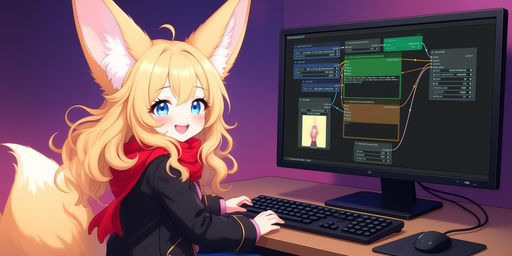

A free, self-hosted AI studio with 200+ unfiltered
Open Sourceaivideoimageself-hosted
Free
Video & Animation
ComfyUI stands out as arguably the most powerful and modular diffusion model graphical user interface, API, and backend currently available. Accessed primarily through its highly popular GitHub repository, this open-source Python tool reimagines how creators interact with Stable Diffusion by utilizing a highly visual, graph-based interface. Instead of relying on rigid, pre-configured settings, ComfyUI invites users into a dynamic, node-based workflow. Every step of the image generation pipeline is mapped out visually. From the initial loading of checkpoints to complex prompt encoding, latent space manipulation, and the final VAE decoding, every process is represented as a distinct, interconnected node. This modular approach fundamentally transforms the way users generate AI art, allowing for unprecedented levels of flexibility and control.
While the tool natively supports a vast array of Stable Diffusion models out of the box, its true strength lies in how it handles complex operations. By breaking down the diffusion process into discrete building blocks, ComfyUI makes it much easier to deeply understand the underlying mechanics of image generation. This makes it particularly appealing to a specific demographic: power users, developers, and technically inclined artists who desire absolute command over their custom image generation pipelines. The interface allows for the creation of highly customized generation setups that can be saved, shared, and iterated upon with ease.
However, this high degree of power and flexibility comes with a notable trade-off. ComfyUI has a notoriously steep learning curve, especially for beginners who are completely new to diffusion models or node-based software. The complex interface can be daunting at first glance, requiring a significant time investment to master its intricate web of wires, nodes, and parameters. Yet, for those willing to climb that learning curve, the payoff is immense.
Beyond its visual interface, ComfyUI features a remarkably robust backend tailored for developers looking to build automated image generation services. Because the frontend accurately reflects the backend processes, anything a user can construct visually can be seamlessly executed via an API. This allows engineers to design and test complex diffusion pipelines manually, extract the corresponding workflow, and programmatically integrate it directly into external applications using simple API calls. Since it is completely free and open-source, the barrier to entry is non-existent for those with capable local hardware. Ultimately, ComfyUI is much more than just a graphical interface; it is a comprehensive engine that perfectly bridges the gap between intricate visual design and powerful, programmatic AI image generation.
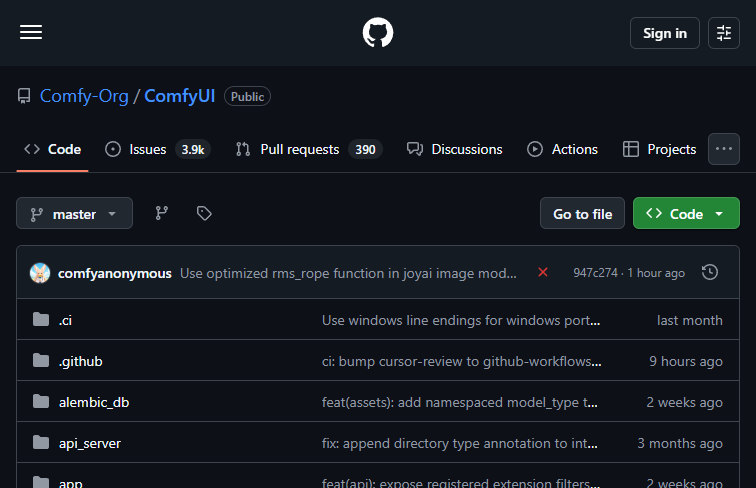 Screenshot
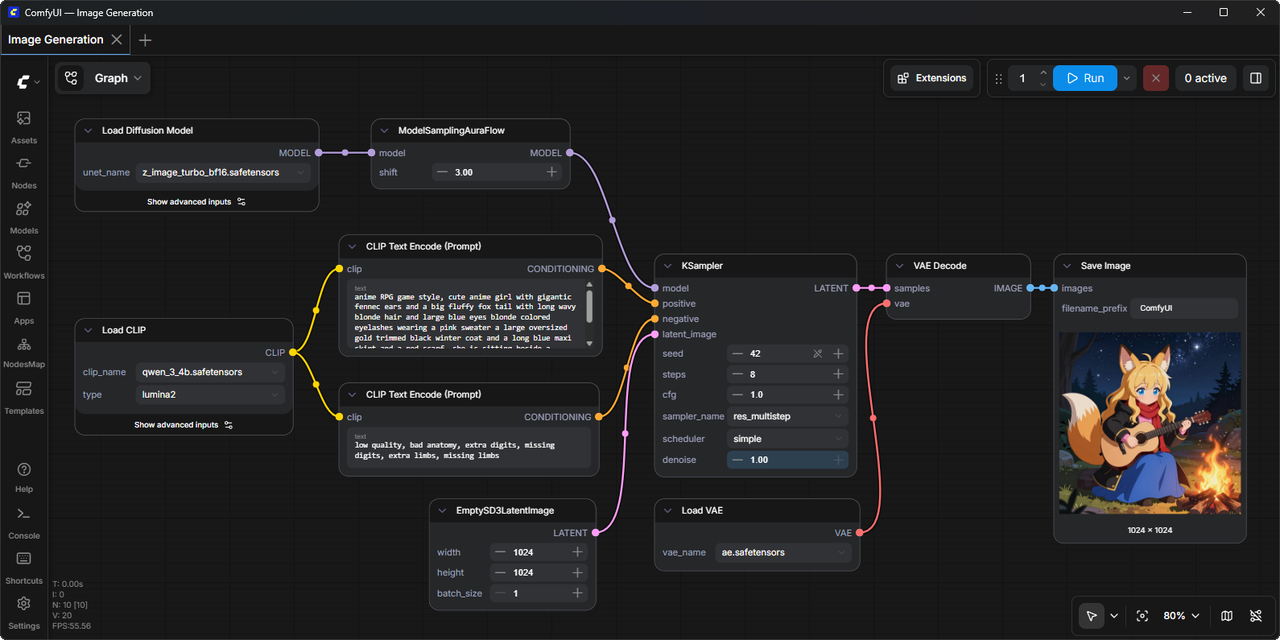 image
image
ComfyUI is a completely free and open-source tool.
Summarized from the official site: https://github.com/Comfy-Org/ComfyUI
Yes, ComfyUI is completely free and open-source. The barrier to entry is non-existent as long as you have capable local hardware.
ComfyUI is a powerful and modular diffusion model graphical user interface and backend. It utilizes a dynamic, node-based workflow where every step of the image generation pipeline is visually mapped out as distinct, interconnected nodes.
No, it is not ideal for beginners because it has a notoriously steep learning curve. The complex interface of wires, nodes, and parameters requires a significant time investment to master.
Yes, ComfyUI features API access for programmatic image generation. Developers can visually design and test complex pipelines, extract the workflow, and integrate it directly into external applications using simple API calls.
Yes, the tool natively supports a vast array of Stable Diffusion models out of the box. This allows users to generate AI art utilizing these various models.
A free, self-hosted AI studio with 200+ unfiltered

Objective, community-driven leaderboard for text-t

Optimize and secure AI coding agents with this ope

Generate highly realistic AI images from text with