

A free, self-hosted AI studio with 200+ unfiltered
Open Sourceaivideoimageself-hosted
Free
Video & Animation
The modern development landscape is heavily fragmented when it comes to AI pair programming tools. Developers often find themselves locked into specific ecosystems, forced to use proprietary extensions that only work in a single IDE, or bound to a single large language model provider. ECA, short for Editor Code Assistant, enters the scene as a highly flexible, open-source alternative designed to break down these barriers. At its core, ECA provides AI pair programming capabilities that are completely agnostic of both your text editor and your chosen LLM provider. One of the most compelling aspects of ECA is its universal editor compatibility. Rather than being a standalone application, it seamlessly integrates into almost any development environment. Whether you are using modern graphical IDEs like VS Code, IntelliJ IDEA, or a standalone desktop application, ECA has you covered. More importantly, it extends its reach to terminal-based and legacy editors like Neovim and Emacs. This makes it an incredibly valuable tool for veteran developers, sysadmins, or anyone who prefers the terminal workflow but still wants to leverage modern AI coding assistance without abandoning their customized environments. Furthermore, ECA is entirely model-agnostic. It supports major cloud-based LLM providers such as OpenAI, Anthropic, and GitHub Copilot, giving teams the freedom to choose the best model for their specific tasks. For those concerned with data privacy, offline capabilities, or compute costs, ECA offers compatibility with Ollama. This means you can easily integrate local LLMs for a completely private, offline coding experience. To streamline this massive flexibility, ECA utilizes a unified single configuration system. This allows development teams to standardize their AI pair programming workflows across a highly diverse set of development environments. A team composed of Java developers on IntelliJ, frontend developers on VS Code, and backend engineers on Neovim can now share a consistent AI tooling setup. As a free and open-source project, ECA is highly accessible. However, it is important to note a slight trade-off: because of its universal nature, it might require some manual configuration compared to native, built-in editor extensions that offer plug-and-play simplicity. Despite this minor learning curve, ECA stands out as an incredibly powerful and flexible solution for developers looking to bring AI assistance into any coding environment.
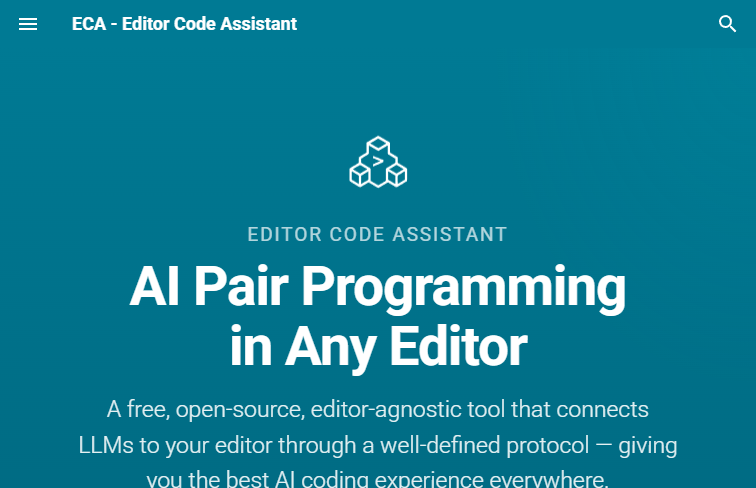 Screenshot
The tool is completely free and open-source.
Summarized from the official site: https://eca.dev/
ECA, short for Editor Code Assistant, is a highly flexible, open-source AI pair programming tool. It is designed to be completely agnostic of both your text editor and your chosen LLM provider.
Yes, ECA is a free and open-source project. This makes it highly accessible for development teams looking to bring AI assistance into their coding environments.
Yes, ECA provides universal editor compatibility and seamlessly integrates into almost any development environment. This includes modern graphical IDEs like VS Code and IntelliJ IDEA, as well as terminal-based and legacy editors like Neovim and Emacs.
Yes, ECA is model-agnostic and supports major cloud providers while also offering compatibility with Ollama. This allows you to easily integrate local LLMs for a completely private, offline coding experience.
ECA utilizes a unified single configuration system to standardize AI workflows across a highly diverse set of development environments. However, due to its universal nature, it might require some manual configuration compared to plug-and-play native extensions.
A free, self-hosted AI studio with 200+ unfiltered

Objective, community-driven leaderboard for text-t

Optimize and secure AI coding agents with this ope

Generate highly realistic AI images from text with