

A free, self-hosted AI studio with 200+ unfiltered
Open Sourceaivideoimageself-hosted
Free
Video & Animation
Heynds is an innovative AI voice and writing assistant designed to significantly accelerate the way professionals and everyday users create written content. Available for both Mac and Windows, this cross-platform desktop application bridges the gap between speech-to-text dictation and advanced AI text generation. For anyone who spends hours drafting emails, composing messages, or generating reports, Heynds offers a powerful suite of tools to automate and streamline repetitive writing tasks across various applications. At its core, Heynds functions as an intelligent dictation and rewriting companion. Users can dictate emails or messages entirely hands-free, leveraging the built-in AI voice assistance to instantly transcribe spoken words into accurately formatted text. Beyond mere transcription, the platform excels at instant content rewriting and refactoring. If you have a rough draft or an existing piece of text that needs polishing, Heynds can quickly rewrite and improve it. Furthermore, the tool is highly capable of generating entirely new content based on simple voice or text prompts, functioning much like a highly accessible, localized AI writing assistant. One of the most standout features of Heynds is its seamless integration into daily digital workflows. Through convenient keyboard shortcuts, users gain quick access to the tool's robust capabilities without needing to constantly switch between different windows or browser tabs. This shortcut-based access enables rapid, on-the-fly text manipulation and voice dictation directly within the applications you are already using. Privacy is another major pillar of the Heynds experience. In an era where data security is paramount, Heynds distinguishes itself by offering high-privacy routing equipped with Zero Data Retention endpoints. This ensures that your sensitive dictated information, personal messages, and proprietary business documents are never stored or compromised, giving users complete peace of mind when communicating or generating text. While the application boasts a strong array of benefits, there is a minor barrier to entry. Unlike browser-based extensions or purely web-hosted platforms, Heynds requires users to download and install a dedicated desktop application to function properly. However, for those willing to make that quick installation, Heynds delivers a highly efficient, privacy-conscious solution that successfully unifies voice dictation and AI-powered text generation into one indispensable writing utility.
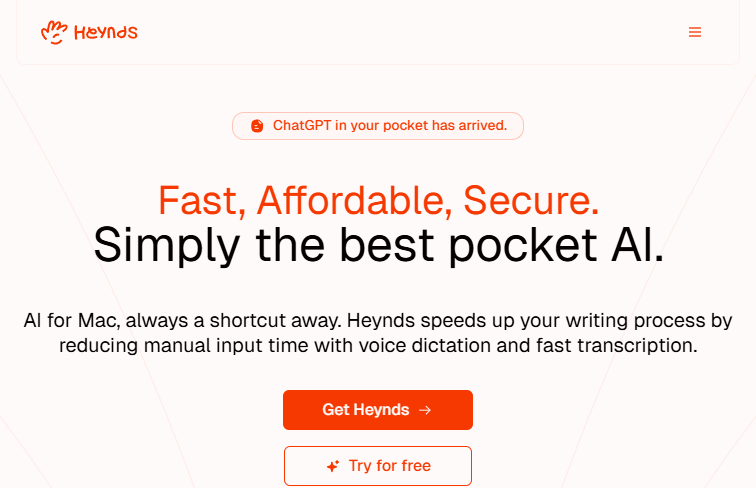 Screenshot
While exact pricing tiers are not specified in the provided content, tools of this nature typically offer a free tier alongside premium subscription plans.
Summarized from the official site: https://www.heynds.com/en
Heynds is an AI voice and writing assistant that accelerates content creation by bridging speech-to-text dictation with advanced AI text generation. It allows professionals and everyday users to automate repetitive writing tasks across various applications.
Yes, Heynds is a cross-platform desktop application that supports both Mac and Windows. Users need to download and install the application to use its features.
No, Heynds is not a browser extension and requires you to download a dedicated desktop application. However, it integrates seamlessly into your workflow through convenient keyboard shortcuts.
Heynds uses high-privacy routing equipped with Zero Data Retention endpoints to protect your information. This ensures your dictated text, messages, and documents are never stored or compromised.
You can use Heynds to dictate emails hands-free, rewrite or improve existing drafts, and generate entirely new content. It can also be used to automate repetitive writing tasks across the applications you already use.
A free, self-hosted AI studio with 200+ unfiltered

Objective, community-driven leaderboard for text-t

Optimize and secure AI coding agents with this ope

Generate highly realistic AI images from text with