
A free, self-hosted AI studio with 200+ unfiltered
Open Sourceaivideoimageself-hosted
Free
Video & Animation
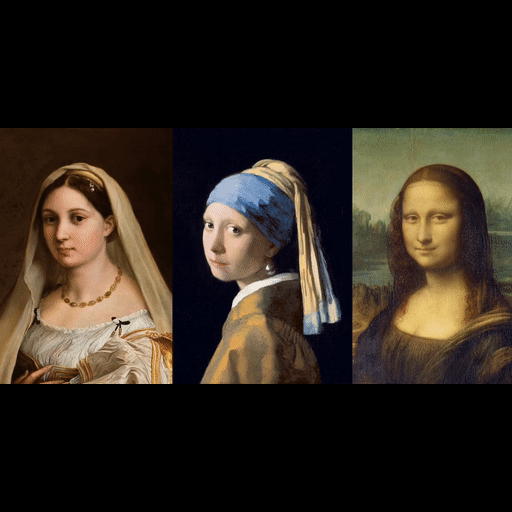
LivePortrait is a groundbreaking open-source AI tool that elevates portrait animation to a new level of realism. Developed by KlingAIResearch and hosted on GitHub, it allows users to take a single static image of a person—be it a photo, painting, or digital art—and animate it with fluid, natural facial expressions and head movements derived from a driving video. The result is a high-fidelity, lifelike video where the subject appears to speak, emote, or react in sync with the source, all while preserving the original identity and artistic style.
At its core, LivePortrait leverages state-of-the-art deep learning models trained to understand and replicate facial motion. The processing pipeline is designed to be lightweight and fast, making it accessible even on consumer-grade GPUs. With pre-trained models and clear documentation, users can get started quickly, whether through a command-line interface or by integrating the tool into custom projects via its permissive Apache 2.0 license. This open-source foundation has fostered an active community, already garnering over 18,000 stars on GitHub, and ensures continuous improvements and extensions.
The tool excels in scenarios where high-quality facial animation is needed without the overhead of traditional motion capture. Content creators can craft personalized video greetings or virtual avatars for social media and live streaming. Animators and game developers can bring characters to life in films, games, or digital art, while educators and memorialists can create interactive and emotionally resonant content. Its ability to handle multiple input formats and seamless integration makes it versatile for both prototypes and production work.
However, LivePortrait is not without limitations. Optimal performance requires a dedicated GPU, which may be a barrier for those relying on basic hardware or CPU-only setups. Additionally, it focuses exclusively on facial animation; full-body movements or gestures are not supported, so it is best suited for close-up portrait scenes. Despite these constraints, its output quality often rivals commercial solutions, making it a compelling choice for indie creators and professionals alike.
In summary, LivePortrait democratizes realistic portrait animation, providing powerful, free-to-use technology that anyone can adapt and build upon. Whether you're a developer looking to embed talking avatars into an app or an artist experimenting with digital storytelling, LivePortrait offers a robust, community-driven solution that bridges the gap between static imagery and dynamic expression.
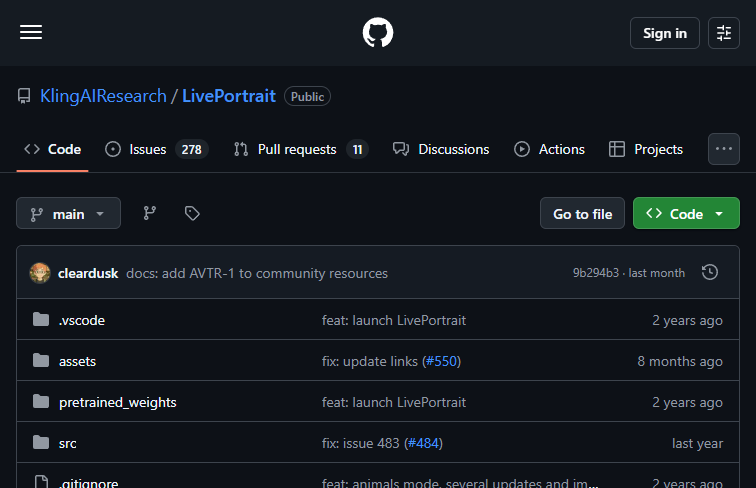 Screenshot
Completely free and open-source under the MIT license.
Summarized from the official site: https://github.com/KlingAIResearch/LivePortrait
Yes, LivePortrait is a free, open-source tool hosted on GitHub. It is customizable and available for integration into custom projects under the permissive Apache 2.0 license.
No, LivePortrait focuses exclusively on facial animation and head movements. Full-body movements or gestures are not supported, making it best suited for close-up portrait scenes.
No, optimal performance requires a dedicated GPU. While the processing pipeline is designed to be lightweight and fast, relying on basic hardware or CPU-only setups may be a barrier.
You can use a single static image of a person, such as a photo, painting, or digital art. The tool will animate the subject's facial expressions and head movements derived from a driving video while preserving the original identity and artistic style.
A free, self-hosted AI studio with 200+ unfiltered

Objective, community-driven leaderboard for text-t

Optimize and secure AI coding agents with this ope

Generate highly realistic AI images from text with