
A free, self-hosted AI studio with 200+ unfiltered
Open Sourceaivideoimageself-hosted
Free
Video & Animation
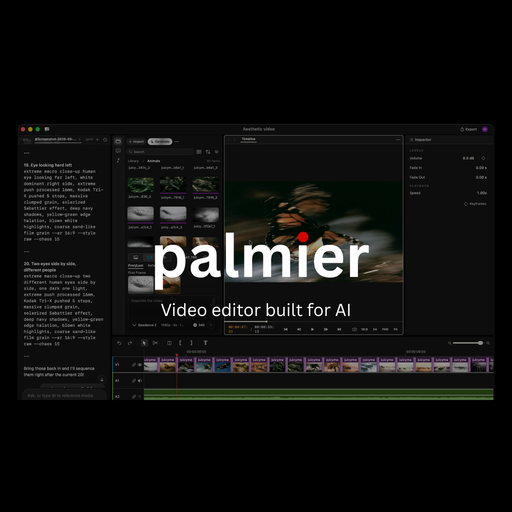
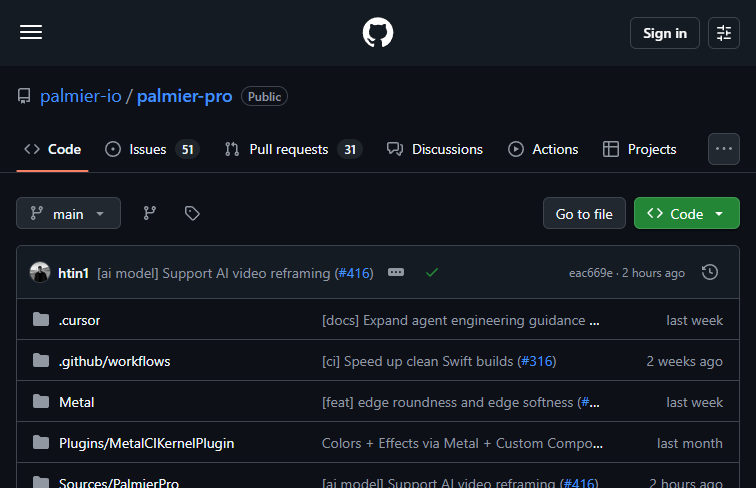
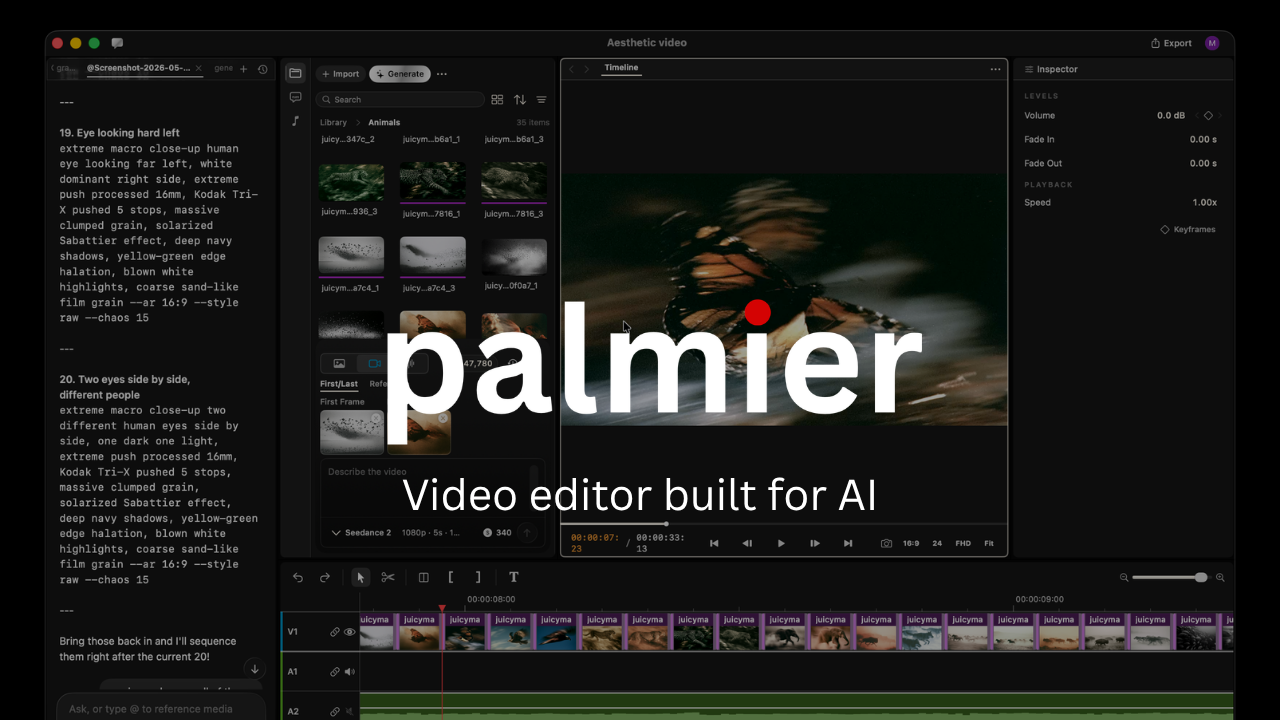
Palmier Pro is an innovative, open-source video editing application specifically engineered to harness the power of artificial intelligence within a native macOS environment. Hosted on GitHub, this project emerges as a breath of fresh air for creators who have long sought a transparent, community-driven alternative to expensive, proprietary video editing software. By blending traditional video manipulation tools with cutting-edge AI workflow optimization, Palmier Pro aims to fundamentally streamline the local video production process.
The primary appeal of Palmier Pro lies in its accessibility and foundational architecture. As a completely free platform, it immediately lowers the barrier to entry for independent filmmakers, content creators, and tech enthusiasts. The open-source nature of the tool is not merely a licensing detail; it represents an active, collaborative approach to software development. Users and developers can actively participate in enhancing the video editor, proposing new features, and refining the AI integrations to better suit real-world editing demands.
Designed from the ground up for Mac users, Palmier Pro takes full advantage of native macOS compatibility. This ensures that the software runs efficiently, providing a smooth, responsive editing experience without the bloat or compatibility issues often associated with cross-platform applications. The built-in AI workflow optimization is a standout feature, indicating that the tool is built not just to cut and arrange clips, but to actively assist in the generation and refinement of AI-assisted videos directly on the user's local machine.
While Palmier Pro offers significant advantages, it is inherently tied to the Apple ecosystem. Its exclusive availability on macOS means that Windows and Linux users are currently left out of the equation, restricting its immediate audience to Apple loyalists. However, for those within the target demographic, Palmier Pro represents a highly promising leap forward, offering a robust, AI-ready, and completely free solution for modern video creation.
 Screenshot
 image
image
 image
image
 image
image
Palmier Pro is entirely free to use as it is an open-source project.
Summarized from the official site: https://github.com/palmier-io/palmier-pro
Yes, Palmier Pro is completely free to use because it is an open-source project. This significantly lowers the barrier to entry for independent filmmakers, content creators, and tech enthusiasts.
Yes, Palmier Pro is an open-source application hosted on GitHub. Its community-driven nature allows users and developers to actively collaborate on proposing new features and refining the software.
No, Palmier Pro is exclusively available for macOS and cannot be used on Windows. The software is specifically designed to take full advantage of the native macOS environment, meaning Windows and Linux users are currently not supported.
Yes, Palmier Pro features built-in AI workflow optimization. It is designed not just for traditional video manipulation, but to actively assist in generating and refining AI-assisted videos directly on your local machine.
A free, self-hosted AI studio with 200+ unfiltered

Objective, community-driven leaderboard for text-t

Optimize and secure AI coding agents with this ope

Generate highly realistic AI images from text with