
A free, self-hosted AI studio with 200+ unfiltered
Open Sourceaivideoimageself-hosted
Free
Video & Animation
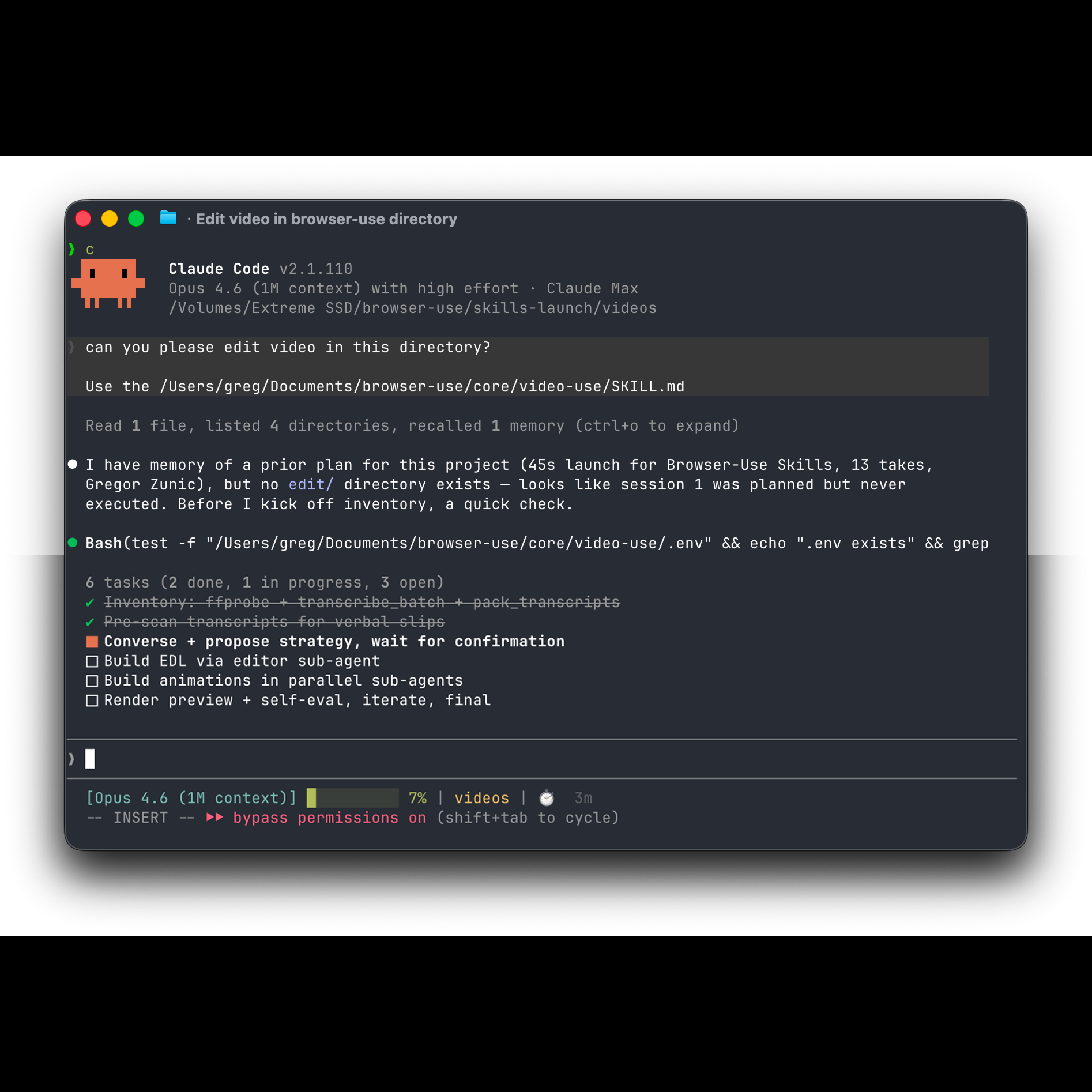
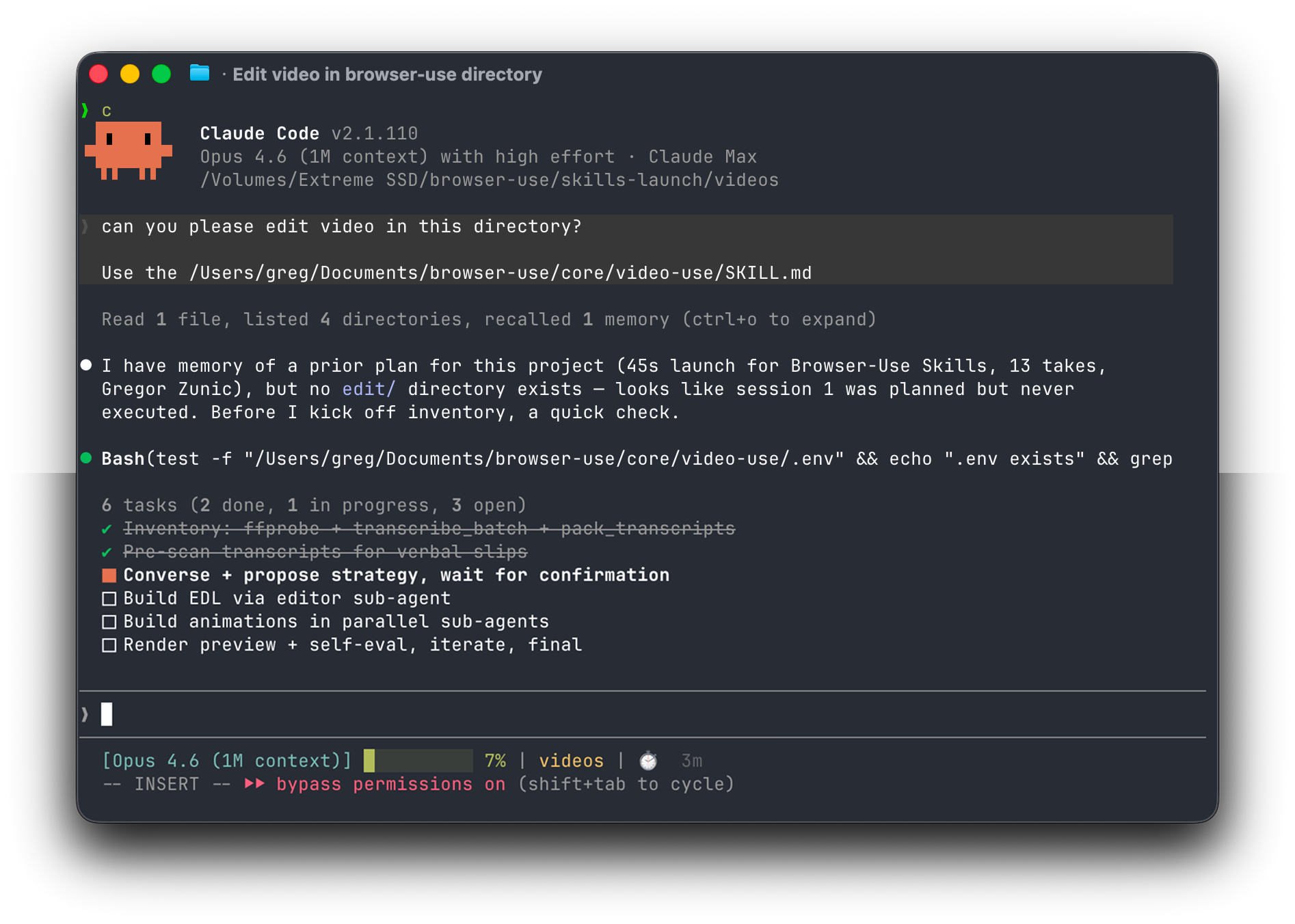
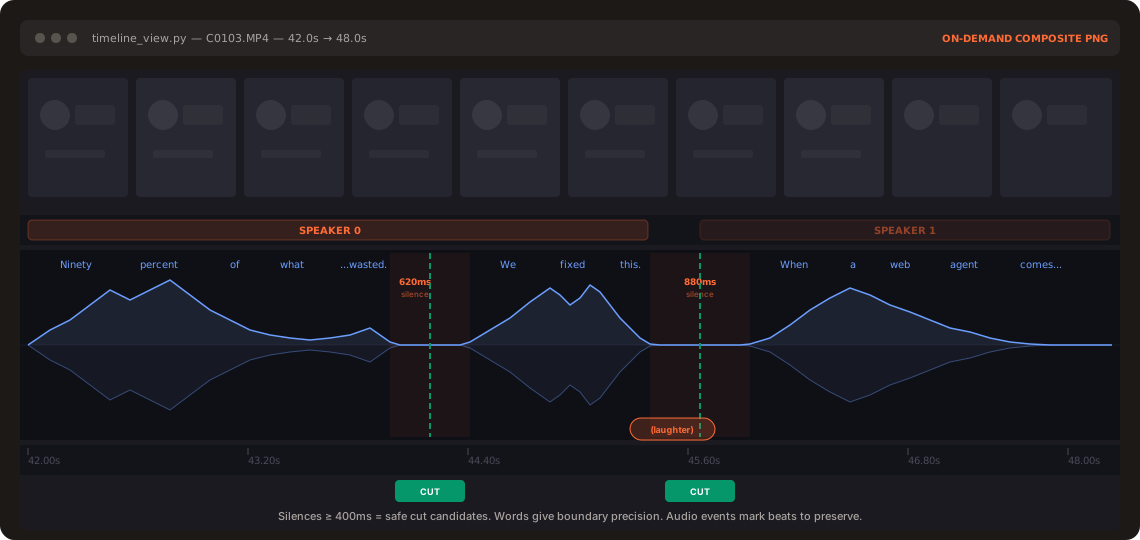
video-use is an open-source Python library that brings the power of AI to video editing through code. Targeted at developers, data scientists, and automation enthusiasts, it enables programmatic manipulation of video files using intuitive APIs. Instead of wrestling with timeline-based editors, users can script complex edits, apply effects, and process videos in bulk—all within Python workflows. The library sits at the intersection of creative media and automation, making it ideal for generating personalized video content, integrating video processing into CI/CD pipelines, or prototyping new visual effects with minimal effort. Built with extensibility in mind, video-use supports a wide range of video formats and codecs, ensuring compatibility with most media sources. Its architecture allows for custom plugins and AI models, so you can leverage machine learning for tasks like object detection, scene segmentation, or style transfer directly in your editing pipeline. The active community around the project contributes to frequent updates and a growing ecosystem of examples and integrations. For content creators dealing with repetitive tasks—such as adding watermarks, trimming silence, or stitching clips—video-use can automate these processes, saving hours of manual work. Videographers and marketers can use it to batch-generate social media snippets with dynamic text overlays, while developers might embed it into backend services to auto-edit user-uploaded videos. The library's design emphasizes simplicity: a few lines of Python can replace what previously required complex command-line FFmpeg incantations. As an AI-driven tool, it specifically enables users to edit videos using coding agents. However, video-use is not without its learning curve. To harness its full potential, you need a solid grasp of Python programming, and there is no graphical interface for those who prefer click-and-drag editing. This makes it less accessible to non-technical users, but for coders, the trade-off is unparalleled control and automation capability. In summary, video-use redefines video editing as a coding task, enabling scalable, AI-enhanced production workflows. It's a must-try for Python developers looking to eliminate manual video grunt work or experiment with generative media. While it won't replace traditional editors for complex narrative projects, it excels as a power tool for automation, prototyping, and hands-on AI-driven video manipulation. Whether you're building a video processing pipeline for a media platform or just automating your own YouTube editing, video-use provides the building blocks to get there quickly.
 Screenshot
 image
image
 image
image
Completely free and open-source.
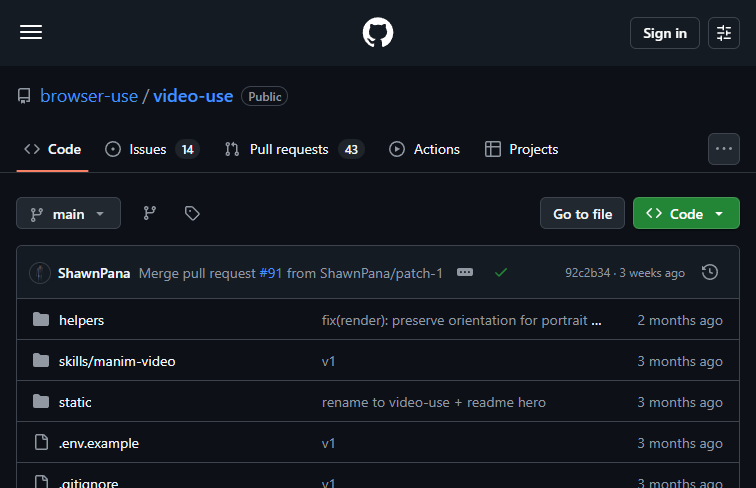
Summarized from the official site: https://github.com/browser-use/video-use
video-use is an open-source Python library that enables developers to perform AI-driven video editing programmatically. Instead of using a graphical timeline, users script complex edits, apply effects, and process videos in bulk using Python.
Yes, video-use is an open-source library. It features an extensible architecture that allows for custom plugins and AI models, supported by an active community that contributes frequent updates.
No, video-use does not have a graphical interface for click-and-drag editing. It is a code-based tool that requires a solid grasp of Python programming to harness its full automation capabilities.
You can use video-use to automate repetitive video tasks like adding watermarks, trimming silence, or batch-generating social media snippets. It is also ideal for integrating video processing into CI/CD pipelines or backend services.
Yes, video-use allows you to leverage machine learning models directly in your editing pipeline. Its extensible architecture supports custom AI models for tasks like object detection, scene segmentation, or style transfer.
A free, self-hosted AI studio with 200+ unfiltered

Objective, community-driven leaderboard for text-t

Optimize and secure AI coding agents with this ope

Generate highly realistic AI images from text with