
Un estudio de IA gratuito y autoalojado con más de 200 modelos de video e imagen sin filtros.
Open Sourceaivideoimageself-hosted
Gratis
Video & Animation
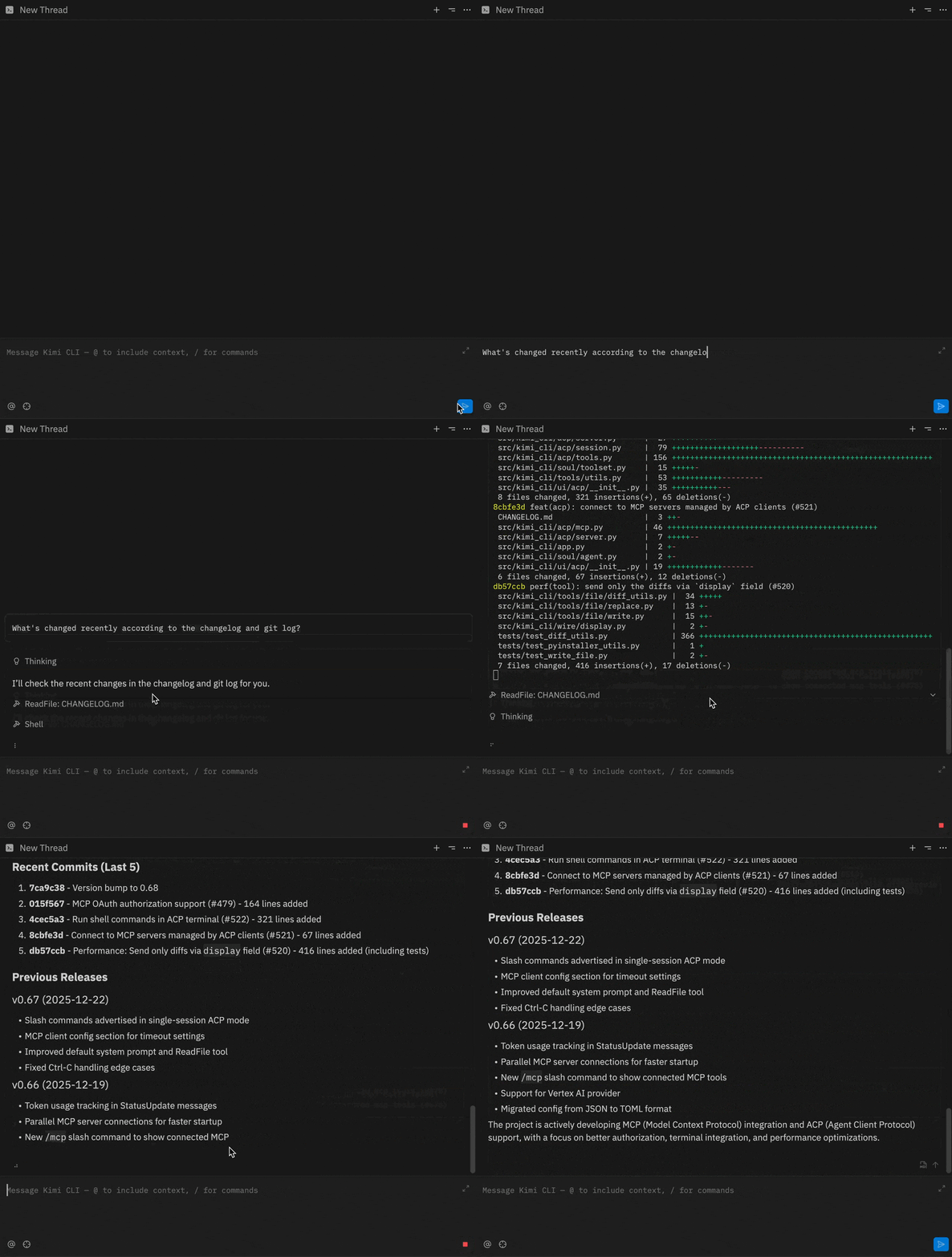
Agente de terminal de IA de código abierto para generación y depuración de código.
kimi-cli is an innovative open-source tool that brings the power of AI directly into the command line. Developed by Moonshot AI and available on GitHub, it is designed for developers who spend significant time in the terminal and want to streamline their coding workflows without leaving their preferred environment. Unlike many AI coding assistants that live in separate apps or IDEs, kimi-cli integrates seamlessly into the CLI, offering interactive, conversational AI support for a wide range of programming tasks.
At its core, kimi-cli functions as an AI-powered terminal agent. Users interact with it through natural language prompts, asking for code generation, completion, debugging assistance, or even explanations of complex concepts. The tool leverages large language models to understand context and provide relevant, accurate responses. Whether you need a quick Python script to parse logs, a bash one-liner to automate a task, or help fixing a tricky bug, kimi-cli responds in real time, making it like having a knowledgeable pair programmer at your fingertips.
One of the standout features is its conversational interface. Rather than just outputting static code, kimi-cli can engage in multi-turn dialogues, refining solutions based on follow-up queries. This is invaluable for iterative development, where you might start with a rough idea and progressively hone it. The tool supports multiple programming languages and frameworks, making it versatile for full-stack developers, DevOps engineers, and data scientists alike.
The installation is straightforward for anyone with Python and a few dependencies, and once set up, it becomes a natural extension of the command line. The open-source nature means the community can audit the code, suggest improvements, and even fork the project to add custom features. With over 10,000 stars on GitHub, it has already garnered significant attention and an active contributor base.
kimi-cli excels in several common use cases. For rapid prototyping, you can describe a function in plain English and get a working implementation instantly. When debugging, you can paste an error message and receive AI-guided suggestions on how to fix it. It also simplifies the automation of repetitive command-line tasks, such as file manipulation or data processing, by generating scripts on the fly. Additionally, it serves as an interactive learning tool for those picking up new languages or frameworks, offering code examples and explanations directly in the terminal.
However, kimi-cli is not without its limitations. As a terminal-only tool, it lacks a graphical user interface, which might alienate users who prefer visual aids or are uncomfortable with the CLI. The reliance on Python and specific dependencies could be a barrier for some, although containerization or package managers can ease this. Performance and response quality also depend on the underlying AI model and its connection, which may require an internet connection if using a cloud-based API, rather than running fully locally.
Overall, kimi-cli is a compelling addition to the developer toolkit, particularly for CLI enthusiasts who value efficiency and minimal context switching. By embedding AI directly where many developers already work, it reduces friction and accelerates the coding process. Its free and open-source model ensures accessibility and fosters community-driven innovation. While it may not replace full-fledged IDEs for complex projects, it fills a unique niche as a lightweight, always-available AI helper that fits perfectly into terminal-centric workflows. Whether you're a seasoned sysadmin or a curious learner, kimi-cli is worth exploring to see how AI can enhance your command-line productivity.
 Screenshot
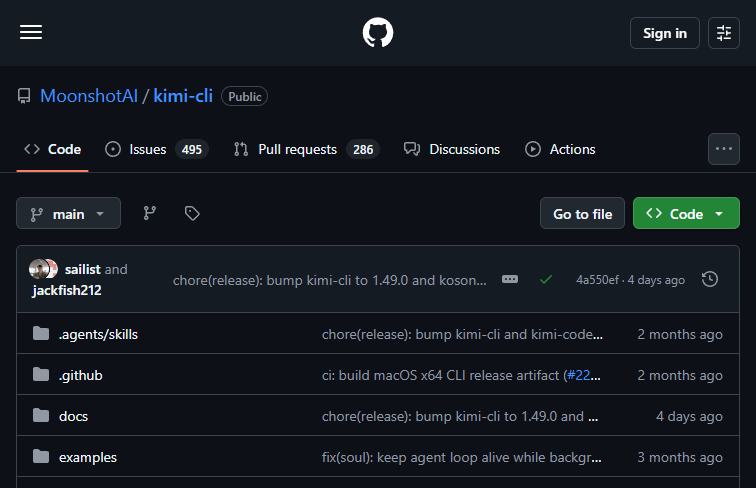
Kimi Code CLI is completely free and open-source, available on GitHub.
Summarized from the official site: https://github.com/MoonshotAI/kimi-cli
kimi-cli es una herramienta de código abierto que integra inteligencia artificial directamente en la línea de comandos. Está diseñada para ayudar a los desarrolladores a optimizar sus flujos de trabajo mediante interacciones y soporte conversacional sin salir de la terminal.
Sí, kimi-cli es una herramienta de código abierto. Esto permite a la comunidad auditar el código, sugerir mejoras e incluso crear bifurcaciones del proyecto para añadir funciones personalizadas.
Sirve para generar código, corregir errores y automatizar tareas repetitivas en la línea de comandos. También permite mantener diálogos de múltiples turnos para refinar soluciones iterativamente.
No, kimi-cli carece de interfaz gráfica ya que es una herramienta exclusiva para la terminal. Esto podría resultar una limitación para los usuarios que prefieren entornos visuales.
Necesitas tener Python instalado junto con algunas dependencias. La instalación es sencilla y, una vez configurada, la herramienta se convierte en una extensión natural de tu línea de comandos.
Un estudio de IA gratuito y autoalojado con más de 200 modelos de video e imagen sin filtros.

Optimiza y protege los agentes de codificación de IA con este framework de código abierto.

Clasificación objetiva impulsada por la comunidad para modelos de inteligencia artificial de texto a video.

Genera imágenes de IA altamente realistas a partir de texto con Stable Diffusion 3.5.